
Build better questions for your HRT conversation.
Choose the HRT topics that matter to you and create an organized list of questions to discuss with a qualified healthcare professional.
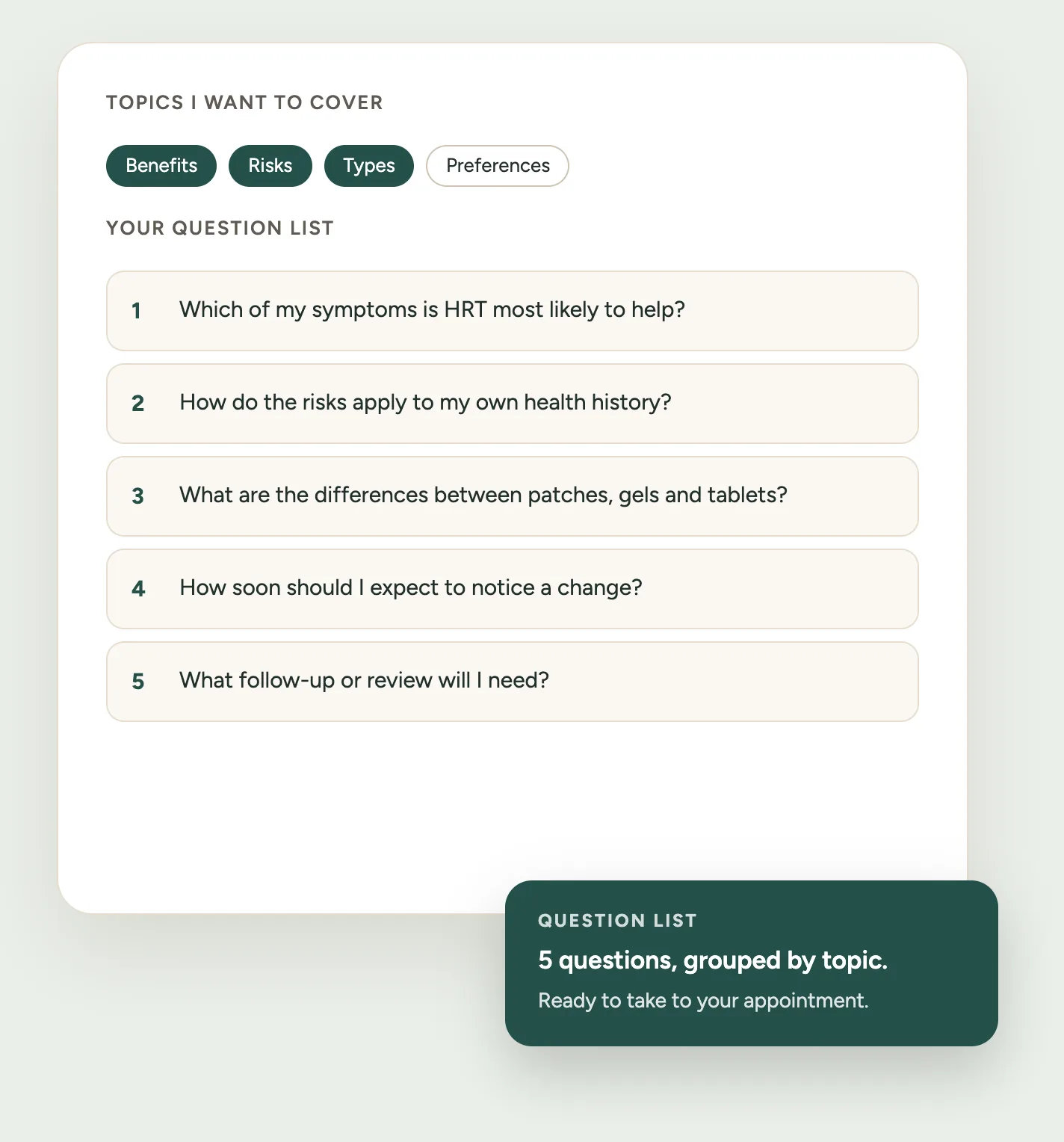
How it works
Step 1: Choose topics
Pick what you want to discuss — benefits, risks, types, side effects, alternatives, or anything else on the list.
Step 2: Review questions
You get a set of questions drawn from a fixed, medically reviewable bank. No AI, no guessing, same answers every time.
Step 3: Prioritize
Mark up to five as top priority, reorder the rest, drop what you don’t need and add your own.
Step 4: Print or copy
Take a clean printed sheet with space for notes, or copy the list into your phone.
What happens to what you select
This tool deals in symptoms, health history and treatment questions. Here is exactly where each piece of that goes.
No account
No sign-in. Printing asks for an email address once per browser; copying asks for nothing.
Nothing is submitted
Your selections stay in the page — not on a server, and not in the web address, so a link you share can never carry your health details.
Analytics sees none of it
We count that the tool was opened and finished. Never what was in it.
If you give an email
We store the address and that it came from this tool. Your topics, symptoms, history and questions are not part of that.
Saving is off by default
Switch it on and the finished list is kept in this browser only, under midlifeatlas:hrt-question-builder:v1 — never what you picked about your stage, symptoms or history.
You can clear it
Remove the saved list from this device at any time, from the tool itself.
Related tools
Questions about the HRT Question Builder
Does this tool tell me whether I should take HRT?
No. It builds a list of questions to take to a healthcare professional. Whether HRT is right for you is a decision to make with them.
Does it diagnose menopause?
No. Nothing you select here is interpreted, scored or used to work out a diagnosis.
Do I need an account?
No. There is no account and nothing to sign in to. Printing asks for an email address once per browser; copying your list does not ask for anything.
Can I use it if I already take HRT?
Yes. Choosing “I’m already using HRT” swaps in questions about reviewing how treatment is going, side effects and whether anything should change.
Can I ask about non-hormonal options?
Yes. Alternatives to HRT is one of the topics, and you can build a list entirely from it.
Can it tell me which HRT is safest for me?
No. That depends on your individual history and is a clinical judgement. The tool gives you the questions that get you there — including how to ask about absolute rather than relative risk.
Can I print the question list?
Yes. Print / Save as PDF produces a clean one-page sheet with space for notes, sized for A4 or US Letter.
Can I add my own questions?
Yes, up to ten. They print and copy alongside the suggested ones.
Are my answers sent to Midlife Atlas?
Your answers are not. Your selections stay in your browser: nothing is added to the web address, and nothing you choose or type is sent to analytics. The one thing that does reach us is your email address, if you give it when printing — recorded alongside the fact that it came from this tool, never alongside what you chose. If you switch on “Remember my question list on this device”, the finished list is stored in this browser only.
Is this medical advice?
No. It is appointment preparation. It does not diagnose, assess suitability or recommend a treatment.